The Best AI Tools for YouTube in 2026 (And What to Ditch)

AI is changing so fast right now it is genuinely hard to keep up. New tools drop every other week, half of them get abandoned within six months, and most YouTube advice you find online is already out of date by the time you read it. So rather than pointing you towards some theoretical toolkit, here is what I am actually using today in 2026 to run my content workflow.
The honest truth is that most YouTubers are still using the same tools they were using three years ago. Not because those tools are bad, but because nobody has shown them what has replaced them. This post is that guide.
These are the AI tools I use to cut my content workflow in half without sacrificing quality. Broken down by use case, no fluff.
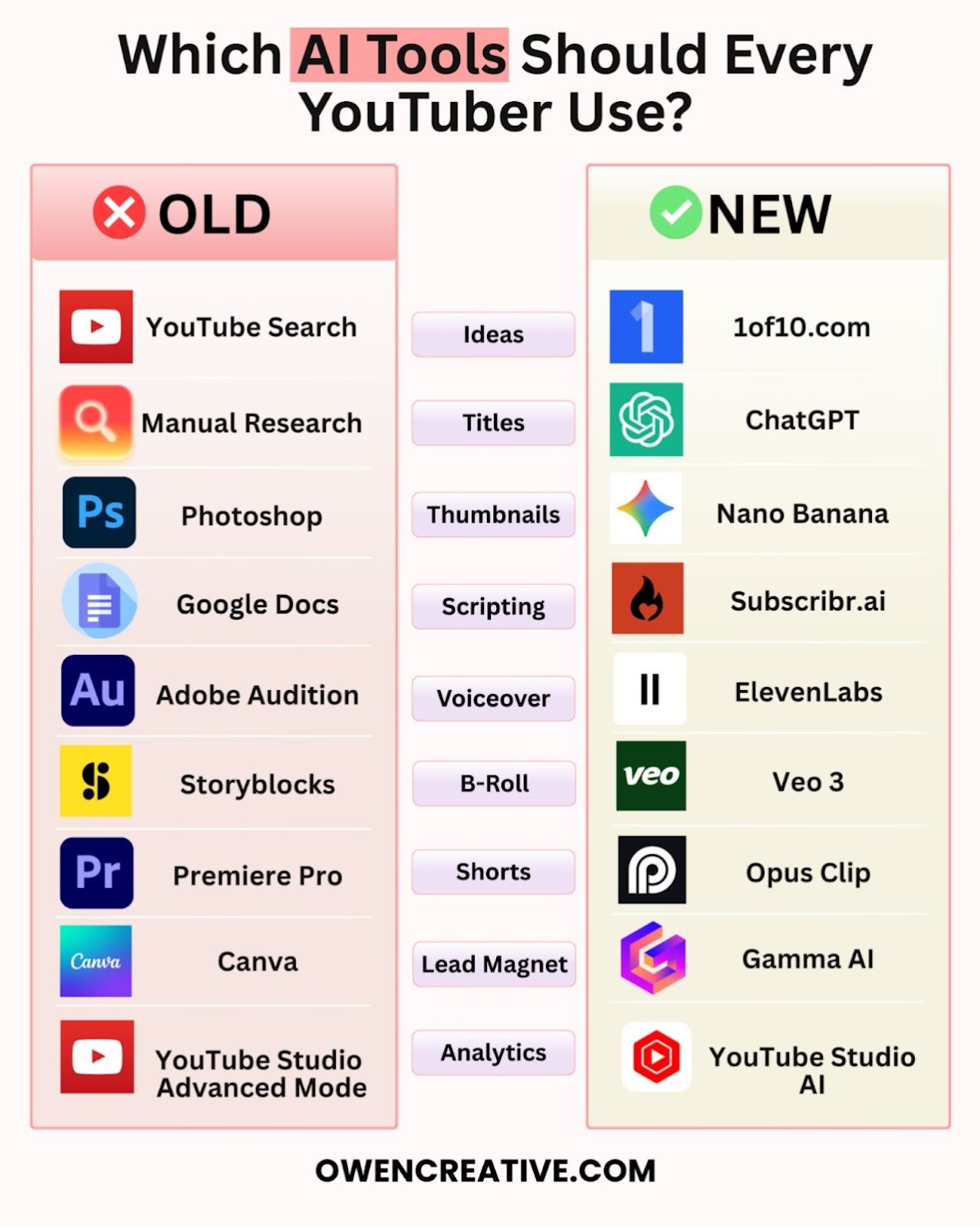
1. Ideas: Ditch YouTube Search, Use 1of10.com
Old way: Scrolling YouTube for hours hoping something sparks an idea.
New way: 1of10.com finds proven outlier videos in your niche instantly. You type in your topic and it surfaces videos that significantly outperformed what you would expect based on the channel size. Those are the ideas worth paying attention to. This saves an enormous amount of time and removes the guesswork entirely.
2. Titles: Ditch Manual Research, Use ChatGPT
Old way: Spending an hour studying what was ranking and reverse engineering why people clicked.
New way: ChatGPT generates and stress-tests title angles in seconds. Give it the concept, ask it to push the angle further or reframe it for a different viewer type, and you can have thirty strong title variations in five minutes. Pick the best one and move on.
3. Thumbnails: Ditch Photoshop, Use Nano Banana
Old way: Photoshop. Powerful, slow, and not built for speed testing.
New way: Nano Banana creates world-class thumbnails in minutes with good prompts and reference images. The quality is genuinely impressive and the speed means you can test multiple concepts before you have even had your morning coffee.
4. Scripting: Ditch Google Docs, Use Subscribr.ai
Old way: Staring at a blank Google Doc for three days trying to structure a script from scratch.
New way: Subscribr.ai cut my scriptwriting process down from three days to three hours. It understands YouTube-specific formats and helps structure your content for retention rather than just filling a word count. The output still needs your voice and your personal touch, but it handles the heavy structural lifting.
5. Voiceover: Ditch Adobe Audition, Use ElevenLabs
Old way: Adobe Audition. Brilliant software, but overkill for most YouTube voiceover needs.
New way: ElevenLabs clones your voice with remarkable accuracy. Feed it a sample and it generates voiceover in your tone and cadence without you needing to record anything new. For B-roll narration, explainers, or maintaining consistency across a series of videos, it is a legitimate game changer.
6. B-Roll: Ditch Storyblocks, Use Veo 3
Old way: Browsing Storyblocks for twenty minutes and settling for a clip that is almost right.
New way: Veo 3 generates custom B-roll footage for your exact video needs. You describe what you want and it builds it. No compromising. The output is specific to your content which means your videos feel more cohesive and intentional rather than stitched together with whatever stock library had available.
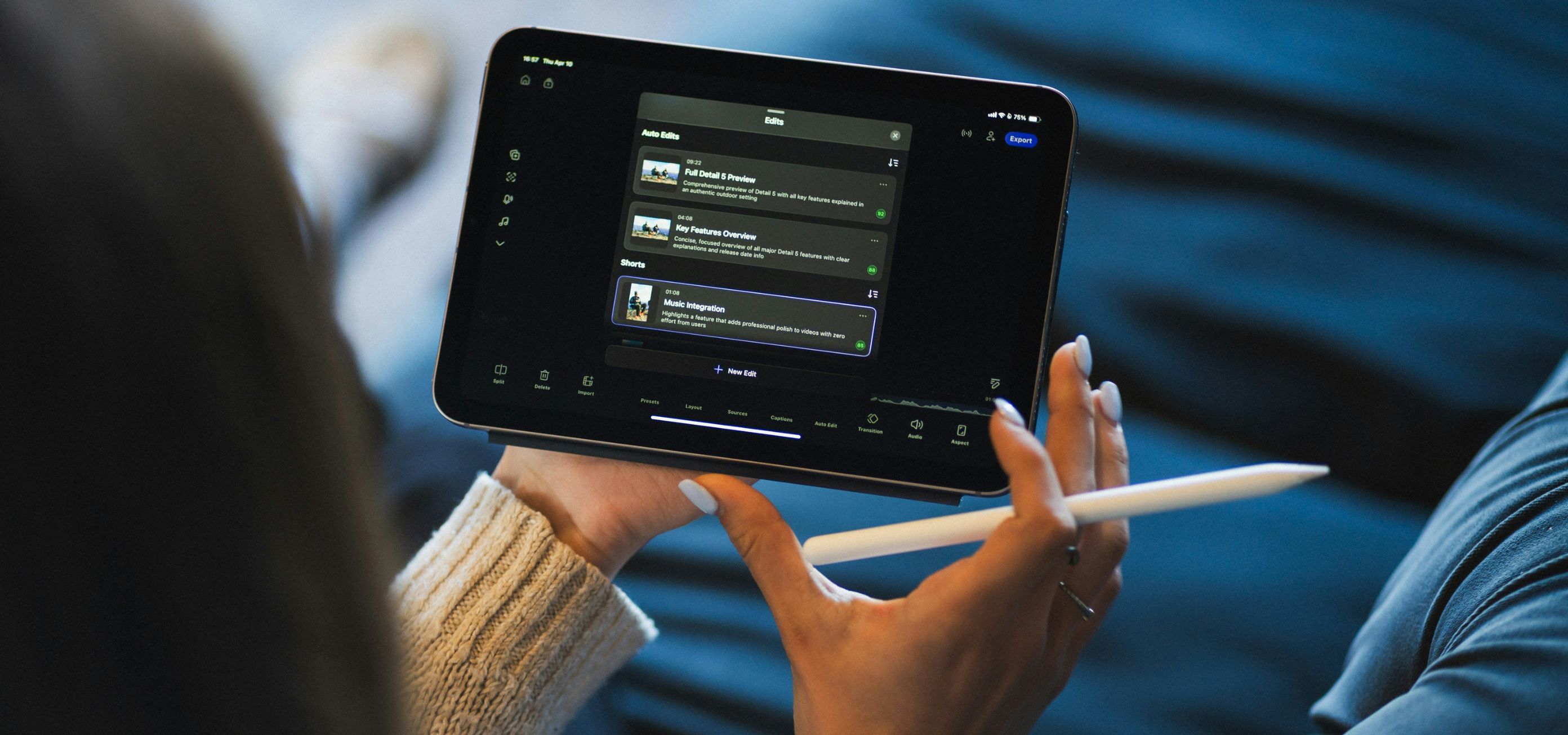
7. Shorts: Ditch Premiere Pro, Use Opus Clip
Old way: Manually scrubbing through long-form footage in Premiere to find Short-worthy moments.
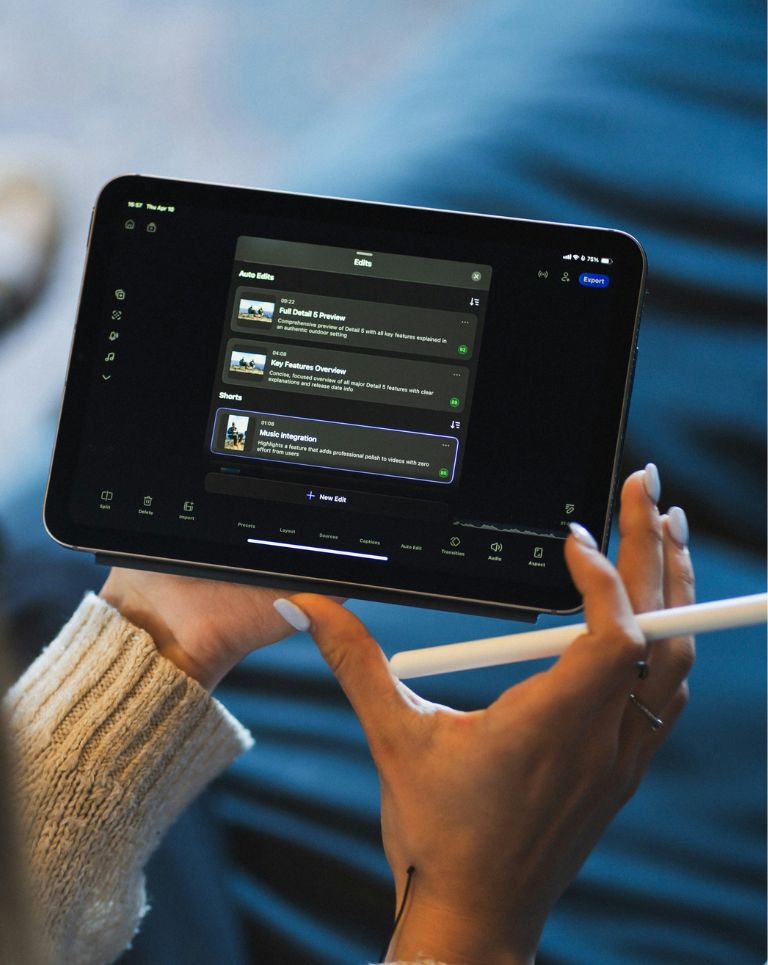
New way: Opus Clip finds the best moments in your long-form videos and clips them automatically. It adds captions, formats for vertical video, and delivers ready-to-post Shorts. No manual work. Upload a video and get a handful of clips back within minutes.
8. Lead Magnets: Ditch Canva, Use Gamma AI
Old way: Spending hours wrestling with Canva templates trying to make a guide look professional.
New way: Gamma AI creates professionally designed lead magnets in minutes. Give it your content and it produces something that looks like a designer spent an afternoon on it. If you are using YouTube to drive people towards an offer or freebie, this makes the whole process dramatically faster.
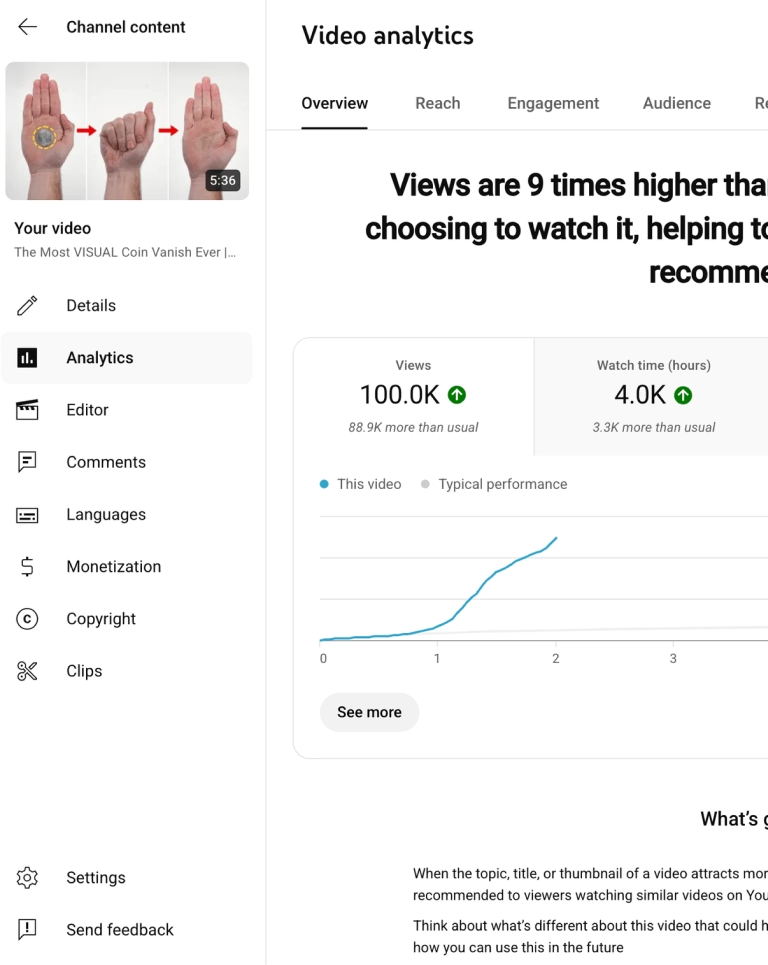
9. Analytics: Ditch YouTube Studio Advanced Mode, Use YouTube Studio AI
Old way: Exporting spreadsheets from YouTube Studio Advanced Mode and spending too long trying to work out what the data was actually telling you.
New way: YouTube Studio AI helps you understand your performance data faster. Ask it questions directly and it surfaces the insights that matter, rather than leaving you to hunt through charts trying to draw your own conclusions.
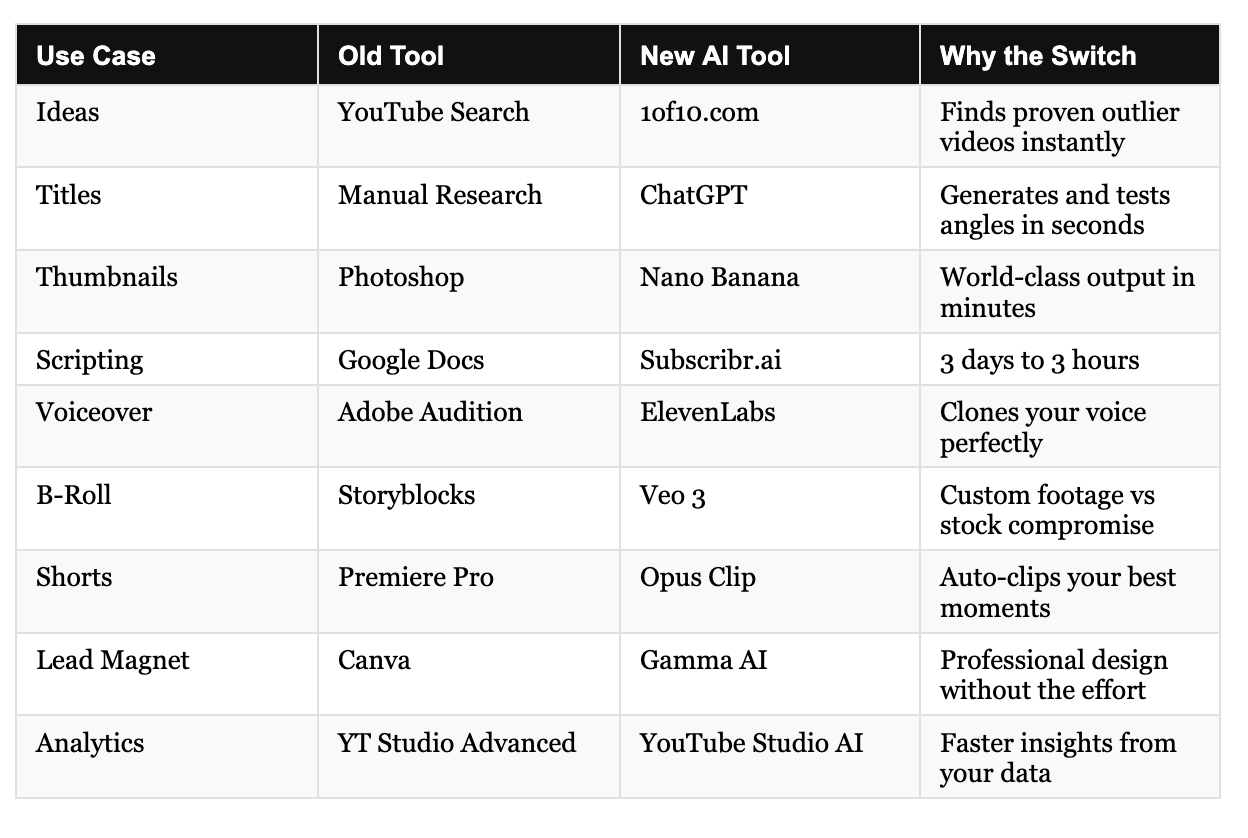
The Full Toolkit at a Glance
One Thing AI Cannot Replace
All of that said, it is really important to remember one thing. You cannot rely on AI for everything.
AI is brilliant at organising thoughts, handling repetitive tasks, and doing a lot of the heavy lifting that used to eat up your week. It is genuinely transformative for workflow. But exceptional content, the kind that builds an audience and earns real trust, still needs something AI cannot provide.
It needs your personality. Your story. Your human touch.
The creators and brands winning on YouTube in 2026 are the ones using AI to handle the process and showing up themselves for the part that actually matters. Use these tools to reclaim your time. Then use that time to make better content.



.png)



.jpg)